

Extension
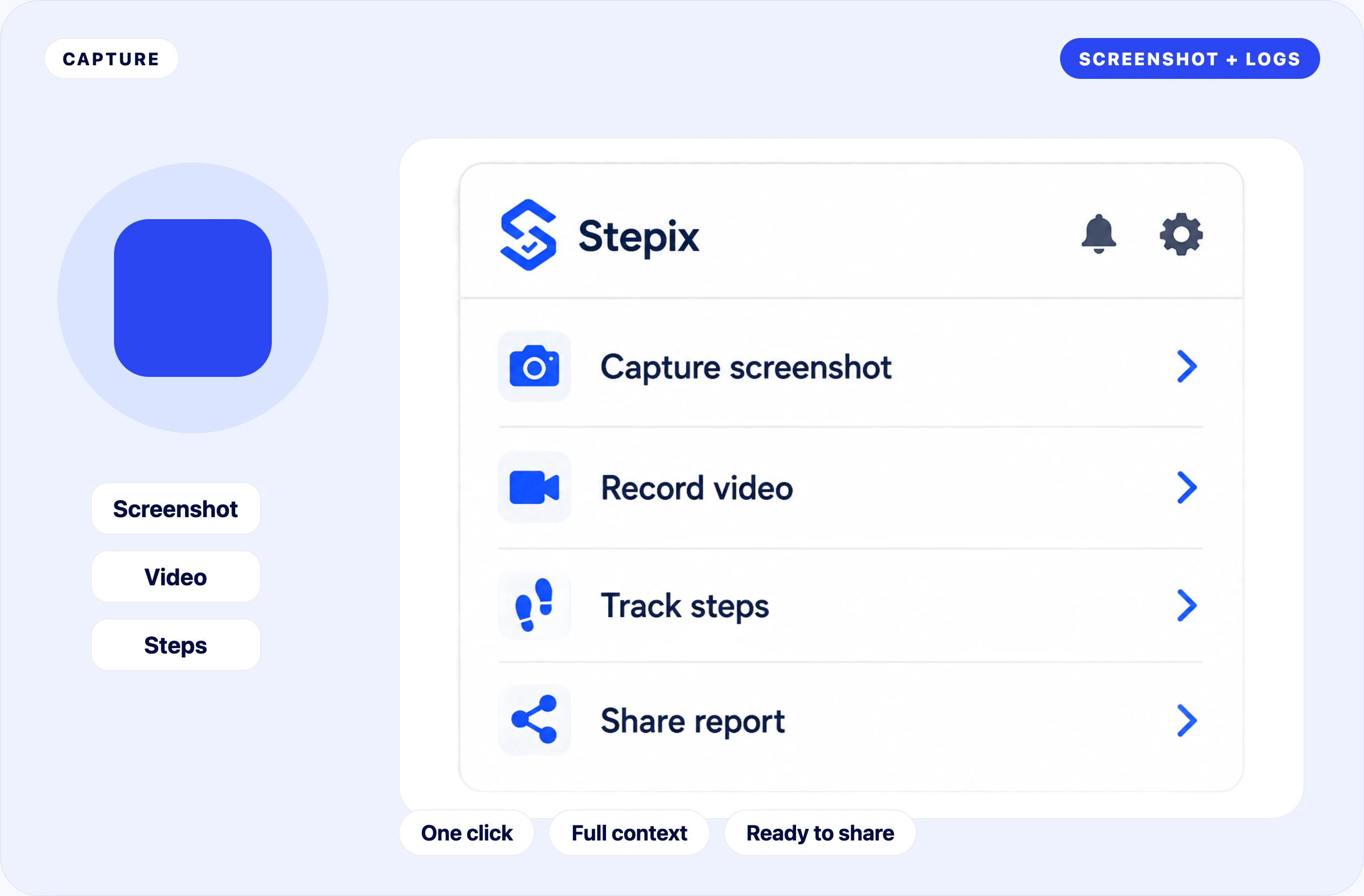
Capture in one click
Open Stepix and capture.
How it works
The browser extension captures the issue while the dashboard keeps the evidence organized for review and sharing.
1. Install the Chrome extension.
2. Capture the screenshot or recording.
3. Review and share the generated report.
Install once. Capture fast.
Add Stepix to Chrome and sign up.
Take a screenshot or record a video. Logs and steps save automatically.
Open the report and send the link.
Real Stepix screens. Shorter story.
Extension
Open Stepix and capture.
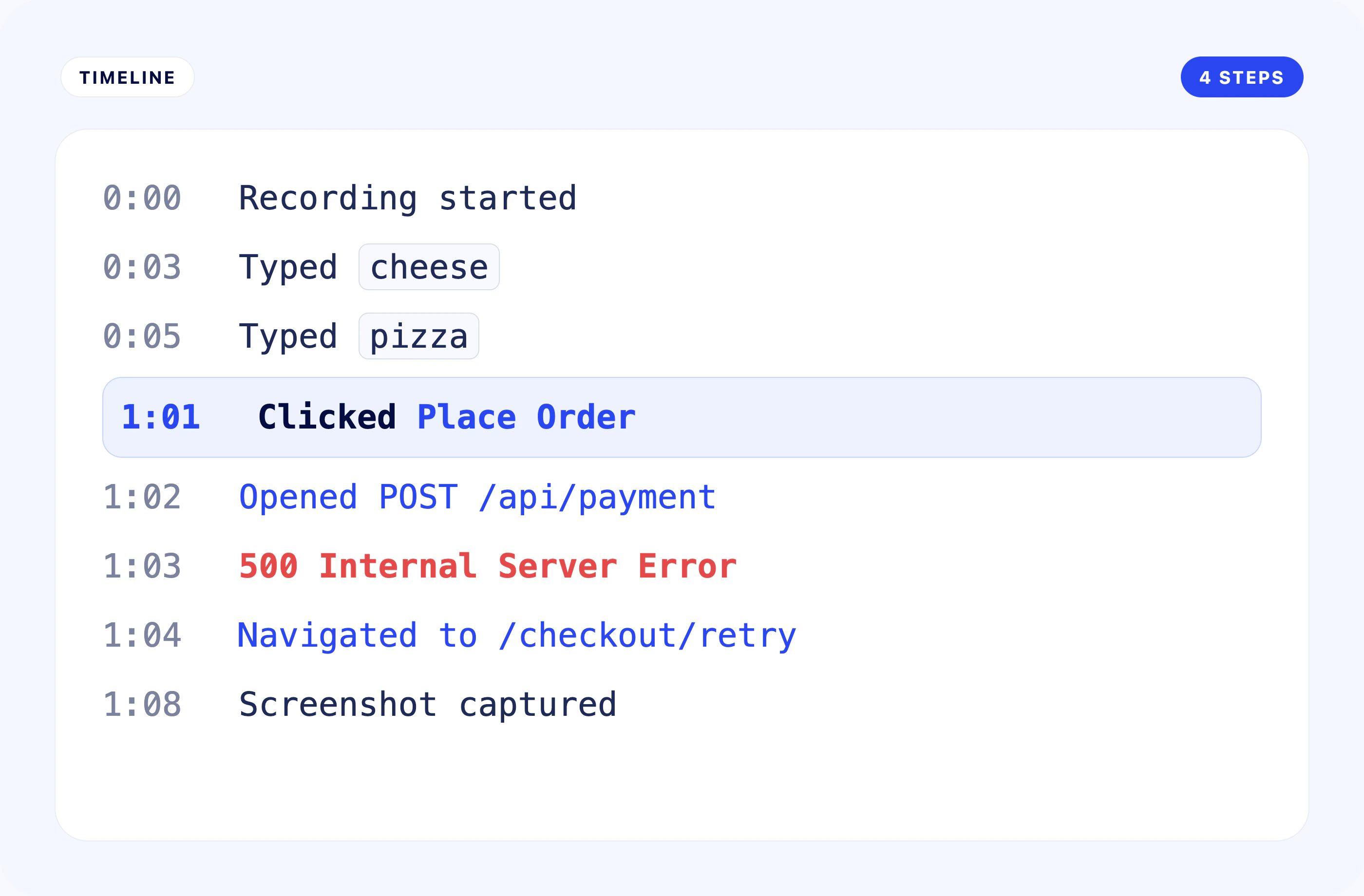
Steps
The full flow is recorded.
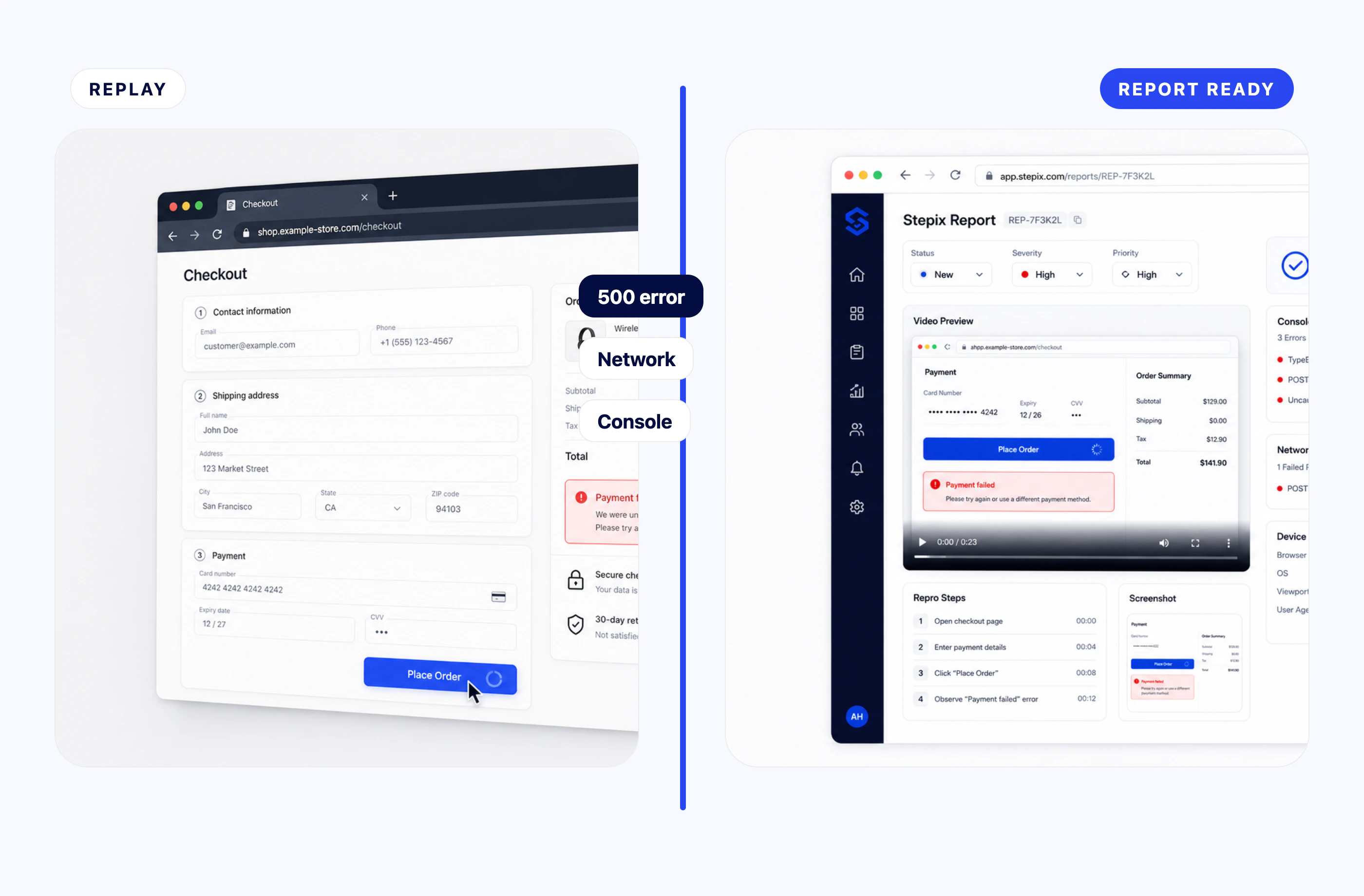
Replay
Bug, request, and report together.
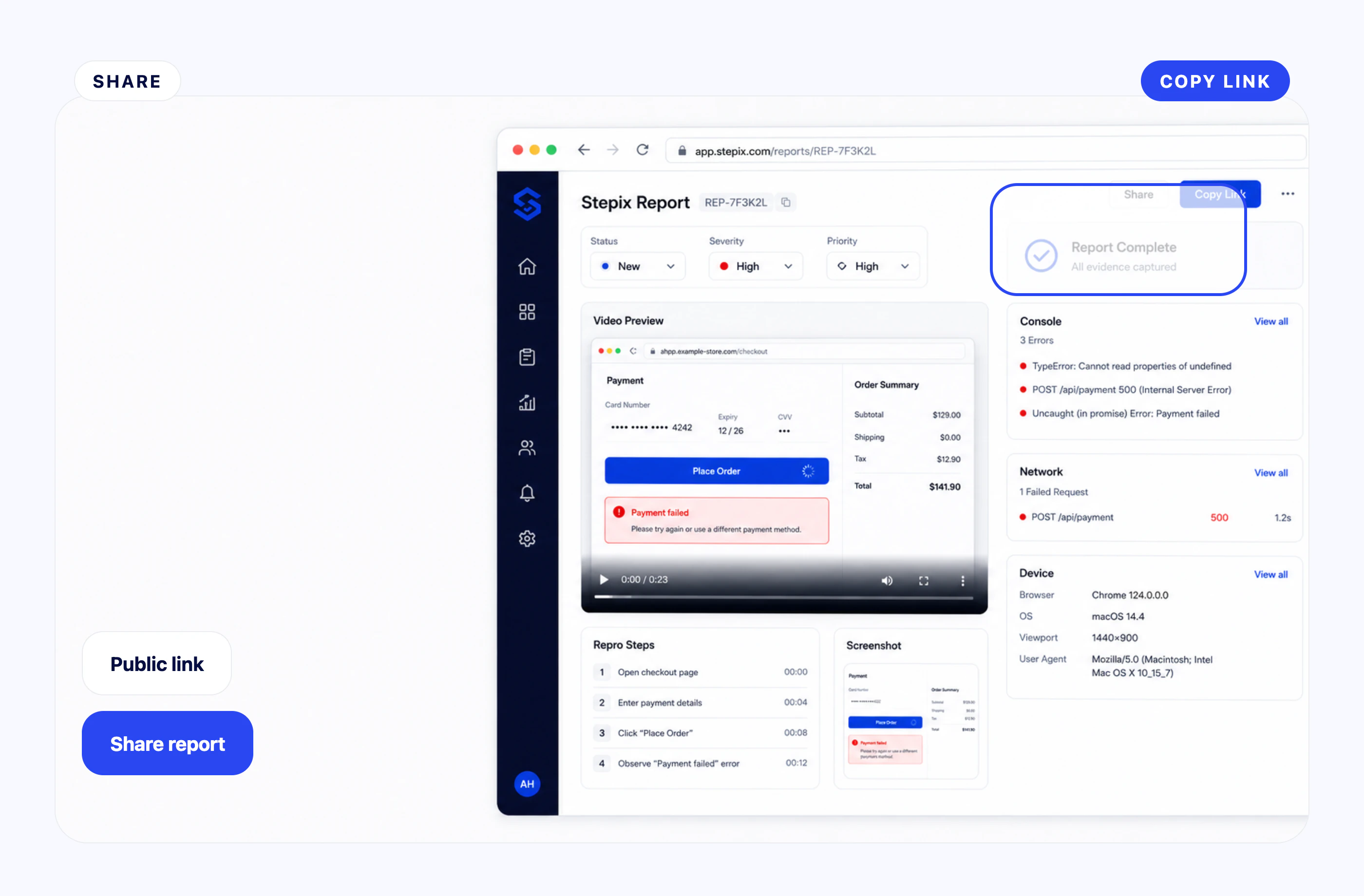
Share
Send only the right details.
Capture the bug, send the link. Need SSO or custom limits? Contact us.